
Important changes to Employer Online account logins
12 August 2025
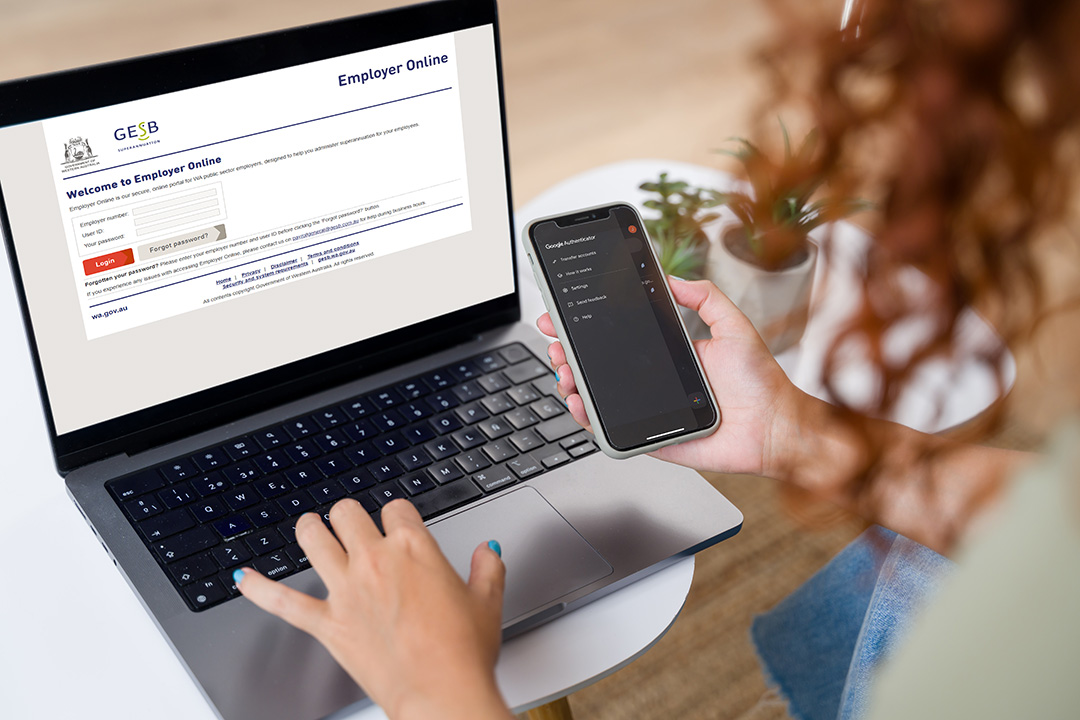
As part of an upgrade to enhance security and make Employer Online easier to use, the way you log in to your account will change from 29 September 2025.
Here’s an overview of the changes – and what you’ll need to do to access Employer Online in future.
We’re introducing multi-factor authentication
Multi-factor authentication (MFA) is when you use two or more different actions or ‘factors’, such as a password and a code, to verify your identity when accessing an online account.
This will add extra security to Employer Online, by making it even harder for unauthorised individuals to access your account.
What do I need to do?
Moving forward, all users will need to provide a ‘one time only’ verification code, in addition to a password, to log in to Employer Online.
To do this, each user will need to set up an authenticator app on their personal mobile device, such as a mobile phone or tablet.
Authenticator apps are mobile applications that generate a random one-time password. They are generally considered more secure than receiving a code by SMS or email1. Microsoft Authenticator, Google Authenticator and Okta Verify are examples of popular and free authenticator apps.
How do I download an authenticator app?
If you’re not already using one, we recommend you download an authenticator app on your device as soon as possible. This will ensure you are ready to access Employer Online when MFA is turned on.
To download your chosen app:
- Go to your mobile or tablet device's app store
For Android, this is the Google Play Store, and for iPhones/iPads, it's the Apple Store. - Search for the service, for example ‘Okta Verify’
- Download and install the app on your device
Soon we’ll provide you with details on how to link the app with your account and log in to Employer Online in a few simple steps.
Other changes you’ll see in Employer Online
Along with extra security, we’re making other improvements to our service, such as:
- Updating how some information is displayed in the contributions grid, to make it easier to enter your employer contributions
- Adding a feature that will allow you to automatically create a self-managed super fund in Employer Online, replacing the current manual process
You’ll see these changes after you log in from 29 September.
Where to find more information
We’ll publish a detailed guide on these changes through the News and updates section of this website in the coming weeks.
In the meantime, you can use the links below to help you learn more about online security and MFA.
More information
- The Australian Government provides useful information about staying secure online
- Learn more about protecting your online accounts with multi-factor authentication
We’re here to help
Our Relationship Management and Education Team are here to help, so if you have any questions about these changes, please contact your Relationship Manager.
1. Source: Australian Signals Directorate’s Australian Cybersecurity Centre, Protect yourself: multi-factor authentication, accessed July 2025.
Thank you for printing this page. Remember to come back to gesb.wa.gov.au for the latest information as our content is updated regularly. This information is correct as at 12 August 2026.