
How do I apply for insurance?
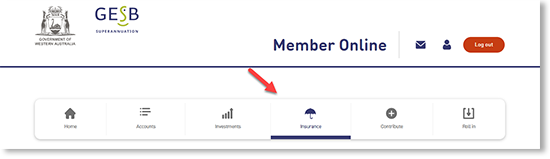
Once you’ve logged in to Member Online, visit the ‘Insurance’ page.
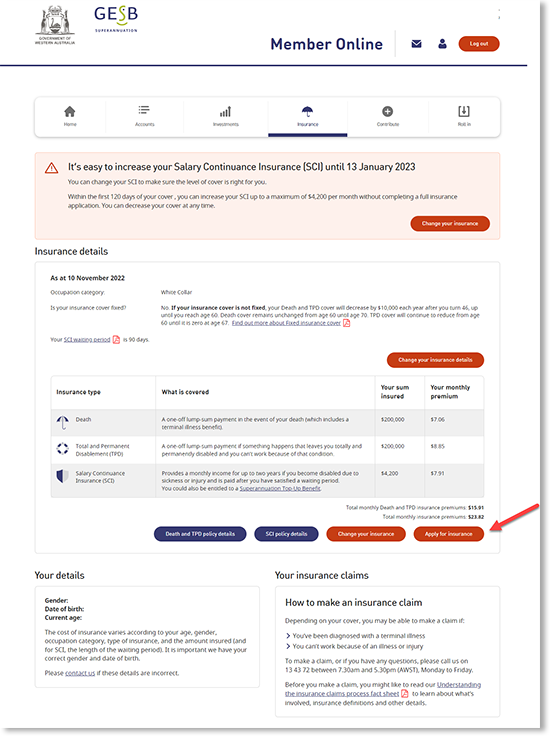
Select the ‘Apply for insurance’ button.
To make sure only you can apply for insurance within your account, we’ll send a code to your mobile or email for you to complete our two-part identity check known as multi-factor authentication (MFA).
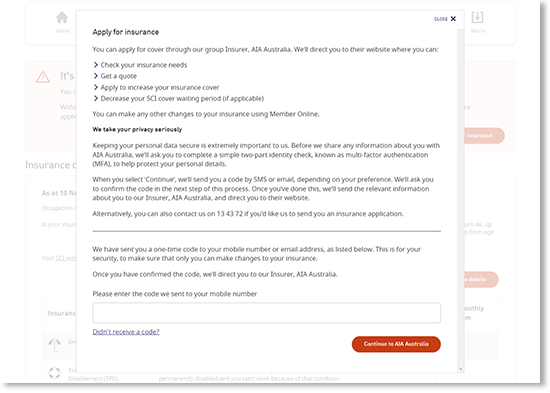
As our insurance applications are handled by our Insurer, AIA Australia – once you’ve completed this identity check, we’ll direct you to their website. They will guide you through their online application process.
Thank you for printing this page. Remember to come back to gesb.wa.gov.au for the latest information as our content is updated regularly. This information is correct as at 22 October 2026.